Now that you have the Webhook endpoint setup, you just need to ensure that the clients in the Fi360 Toolkit can match up with the Plans in Perseptiv. Follow the steps below.
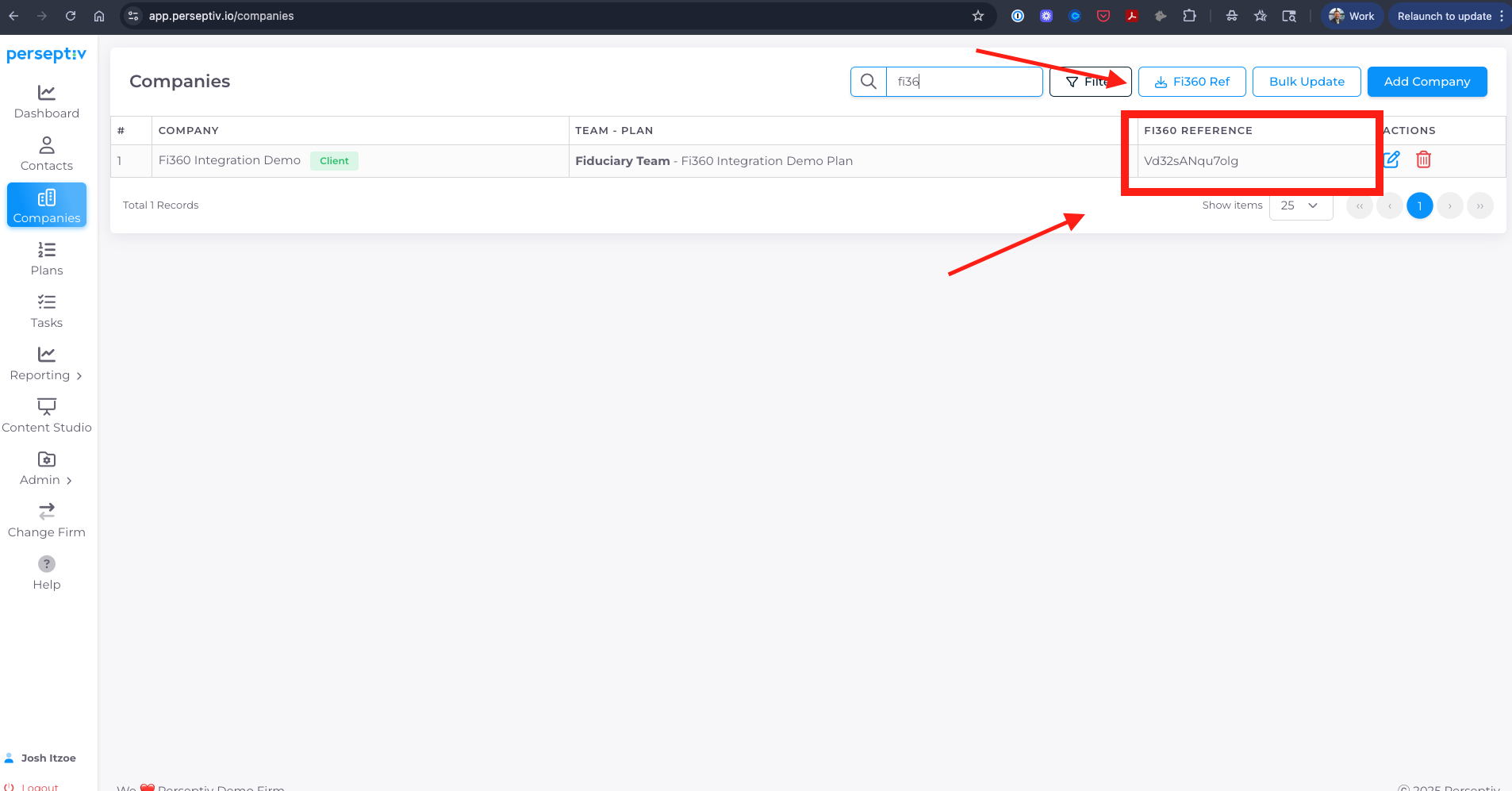
1. Within Perseptiv, navigate to the Companies tab and copy the "FI360 REFERENCE" field for each plan. These reference numbers are system generated and cannot be edited. You can also retrieve this information in bulk download by using the CSV download.
2. Within the Fi360 Toolkit, navigate to the Clients tab and click to edit a client's details.
_4601674f-e39c-4820-a37b-775b6daacdad.png)
3. You will see a field for "External Client Id". Paste the value from Perseptiv into this field and save.
_51765f50-e979-4cb7-b663-d0a051a8b528.png)
4. Now, any Monitoring Report you mark as 'complete' for this client will automatically be sent to Perseptiv on an ongoing basis. Within Perseptiv, you will see a record for each quarter with a drill-in to the plan holdings and details. Fi360 sends the following key data points:
- Assets
- Participants
- Fund Information (ticker, name peer group, assets per fund, watch list status, current Fi360 score, and historical Fi360 scores).
We store this information on a quarterly basis and you will also be able to retrieve the Monitoring Report PDF within Perspetiv. You can also generate and download an Investment Holdings & Watch List snapshot from Perseptiv.
_8a20b811-60b4-4f57-8249-f7f72bc6610e.png)
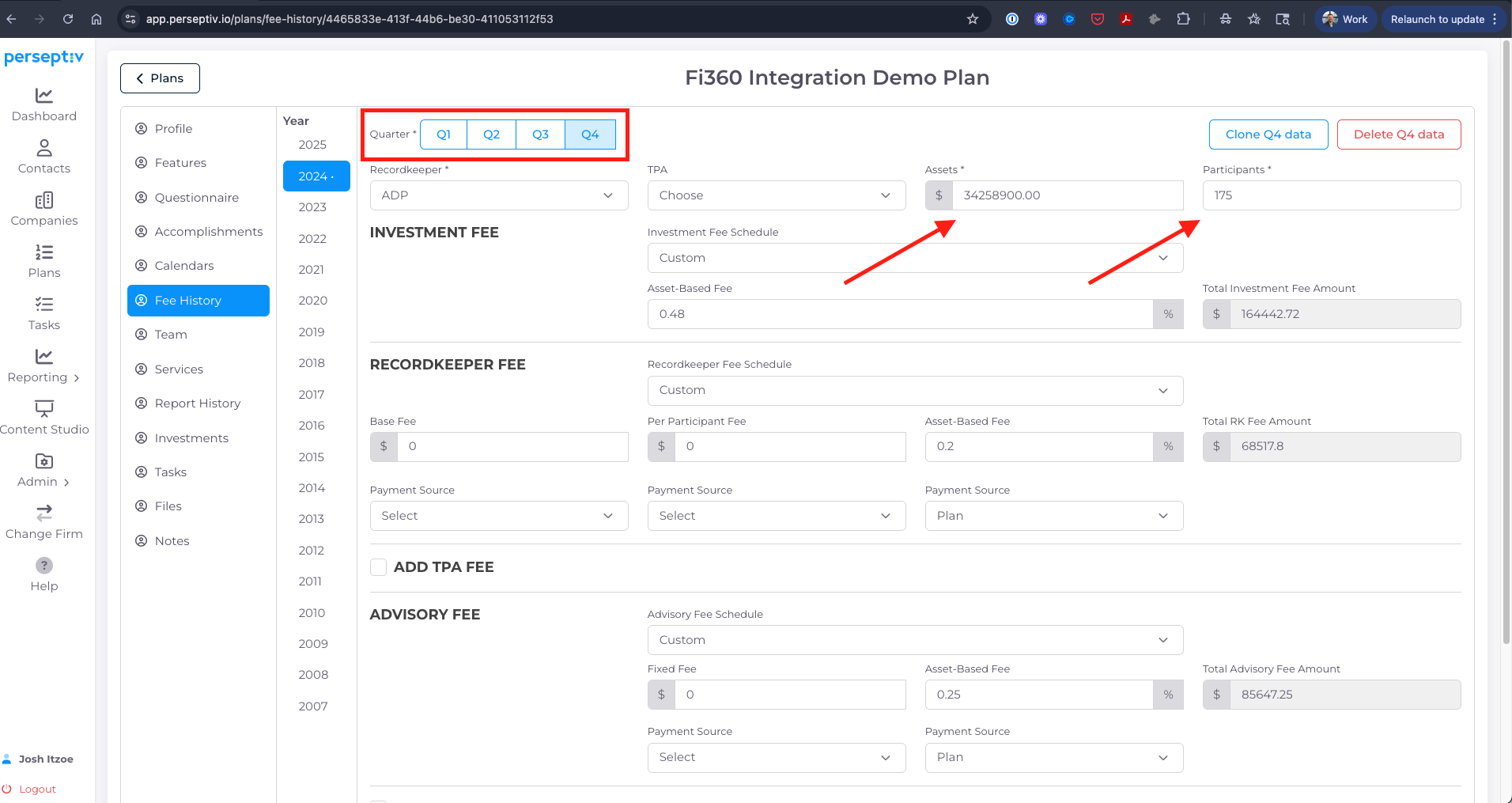
5. In addition, Perseptiv will automatically update your fee history with assets and participants and we now track these values on a quarterly basis instead an annual basis as previously done. These automatic updates streamline the need for manual updating assets and participants and immediately update any Cost Management reports (Plan Fee Benchmark, Historical Cost Trend, etc.).