
To watch the video, click here: https://loom.com/share/29c4004d87f545f8ba98876e9e5862fb
Step-by-Step Instructions
1. Introduction to AI Feature 0:01
-
Perceptive has a powerful AI feature for uploading adoption agreements.
-
The AI reads the agreement and populates the plan features page.
-
Effectiveness ranges from 75% to 90%.
2. Accessing the Feature 0:40
-
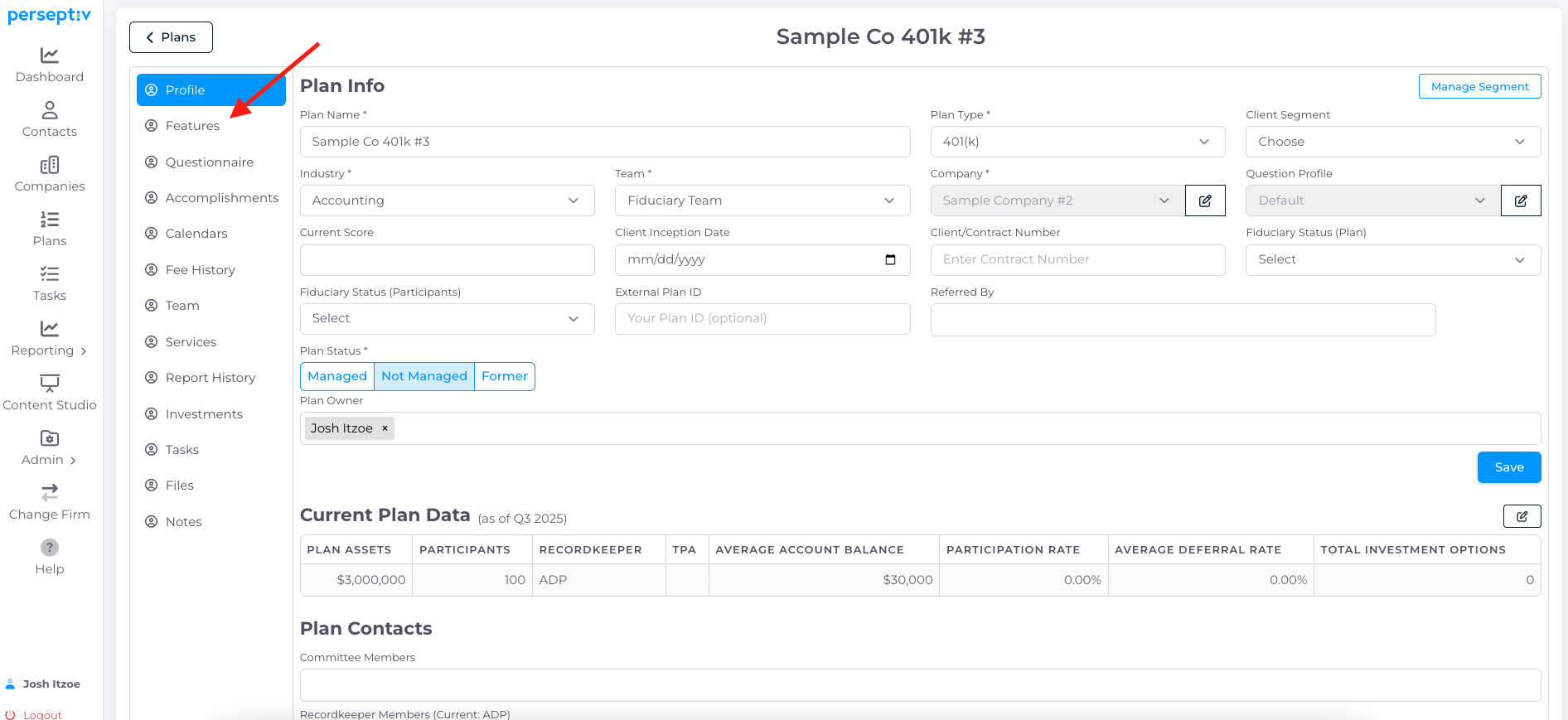
Navigate to a plan in the system.
-
Click on 'Features' using the menu option.
3. Uploading the Adoption Agreement 1:32
-
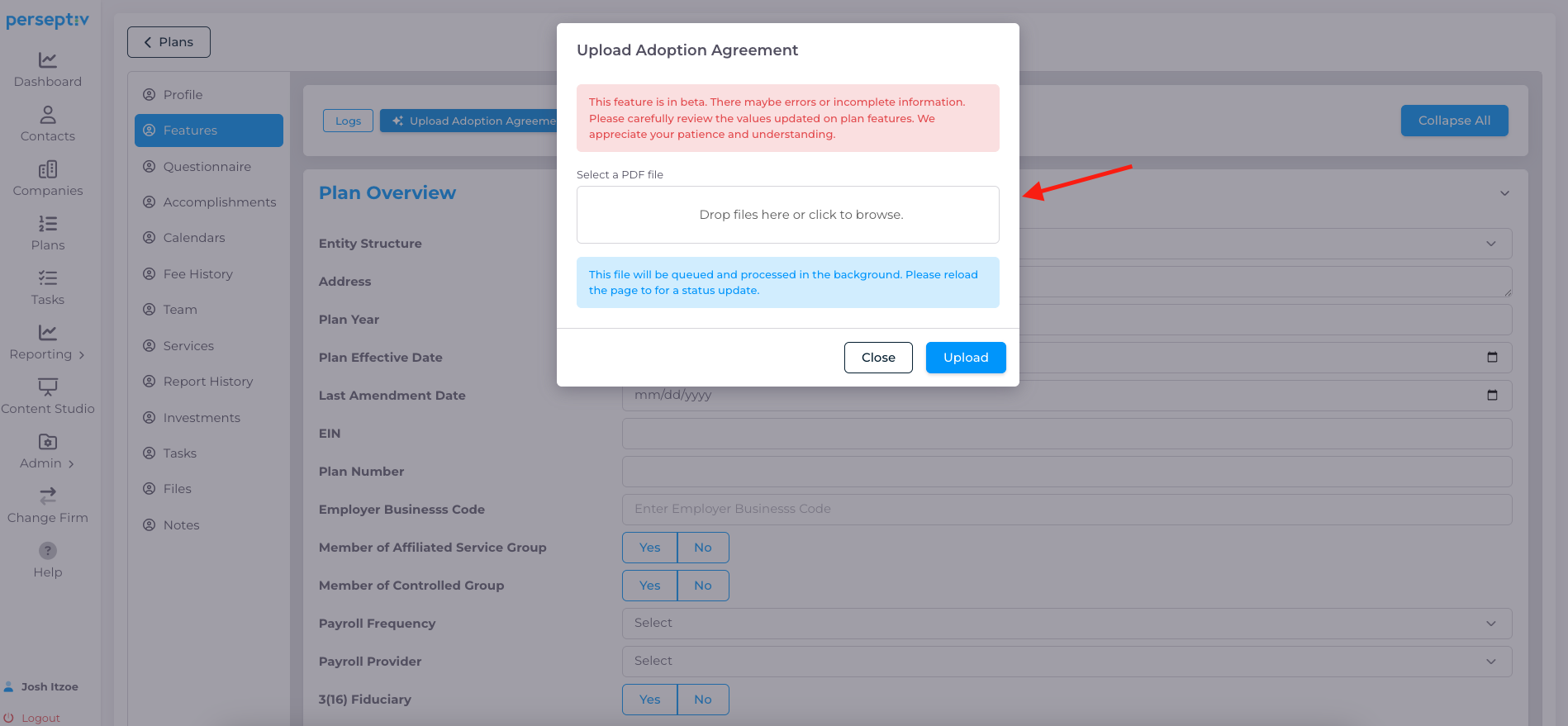
Upload a PDF of the adoption agreement by clicking 'Upload'.
-
The processing time is approximately 1-2 minutes.
4. Reviewing Upload Status 1:54
-
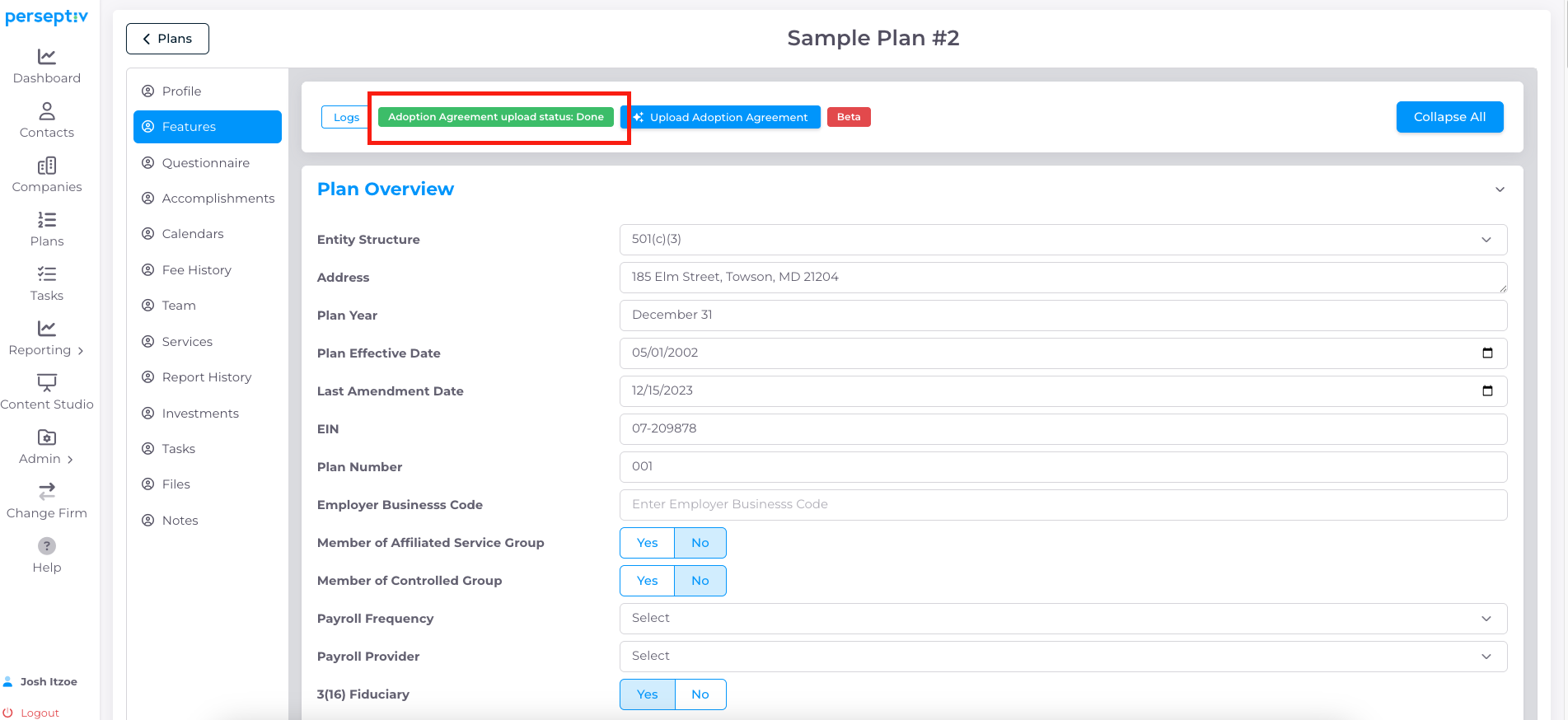
Once processing is complete, the upload status will turn green.
-
The system will display extracted data points from the agreement.
5. Making Updates 2:21
-
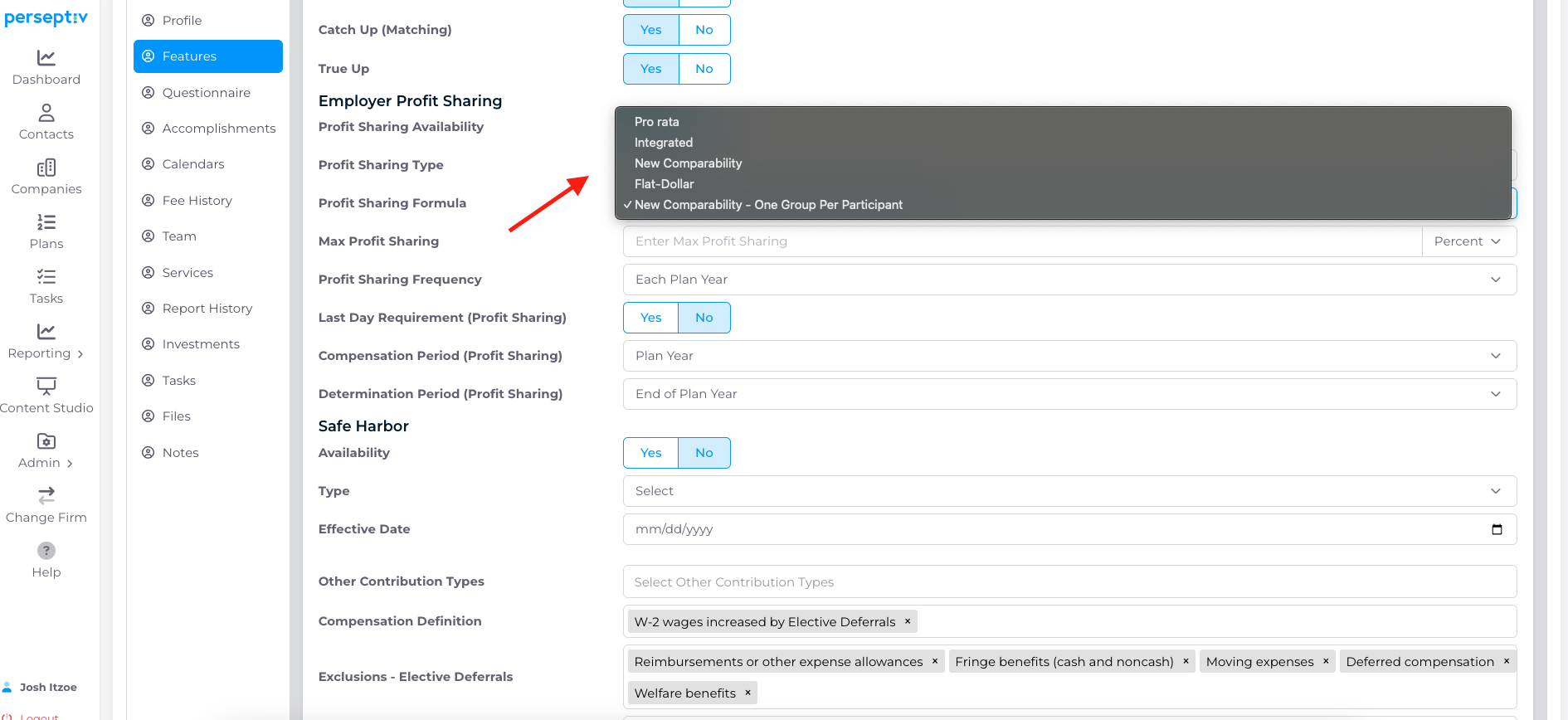
Review the extracted data for accuracy (typically 75-90% accurate).
-
Make any necessary updates, such as changing early retirement age or loan limits.
6. Saving Changes 3:40
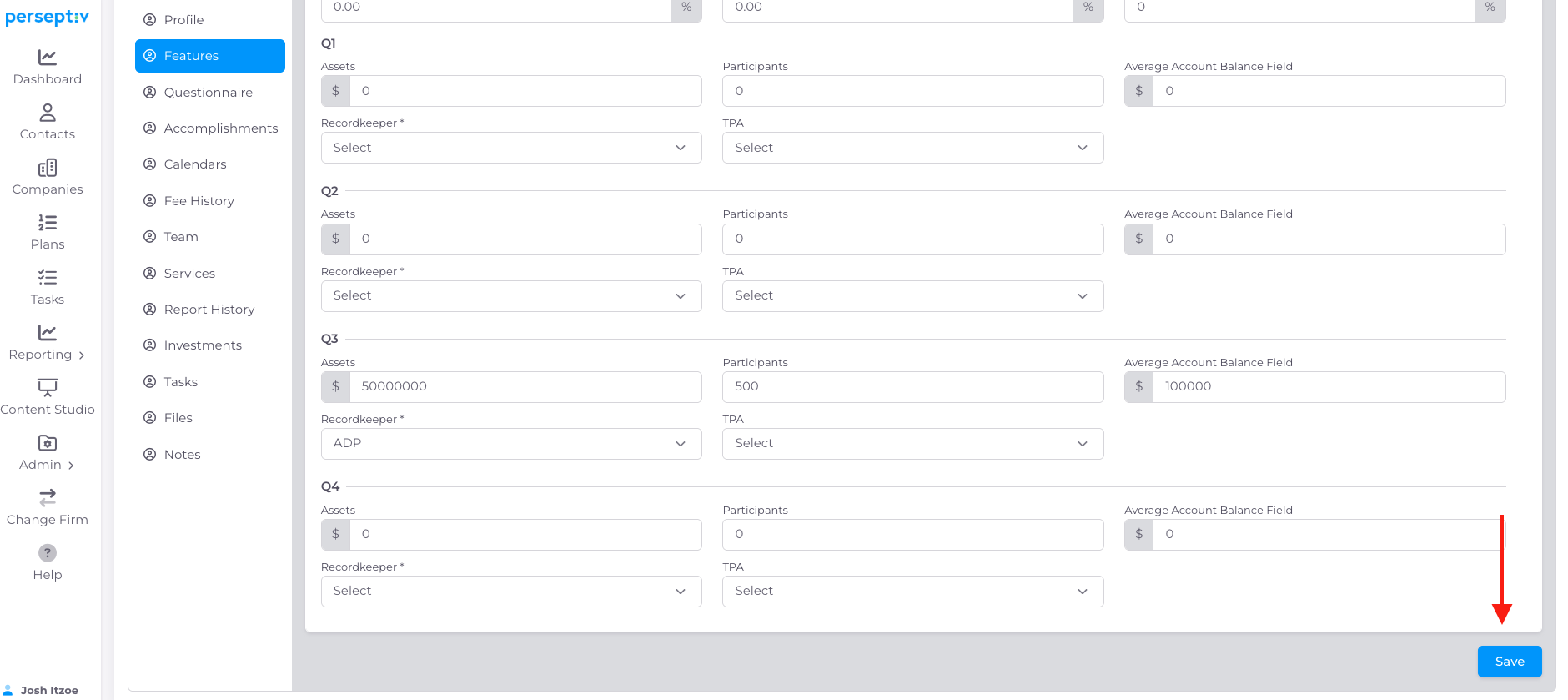
-
After making updates, click 'Save'.
-
You will now have a comprehensive view of the plan design features.