
To watch the video, click here: https://loom.com/share/5b31cfcfa7e5475c863d6e89ba160a36
Step-by-Step Instructions
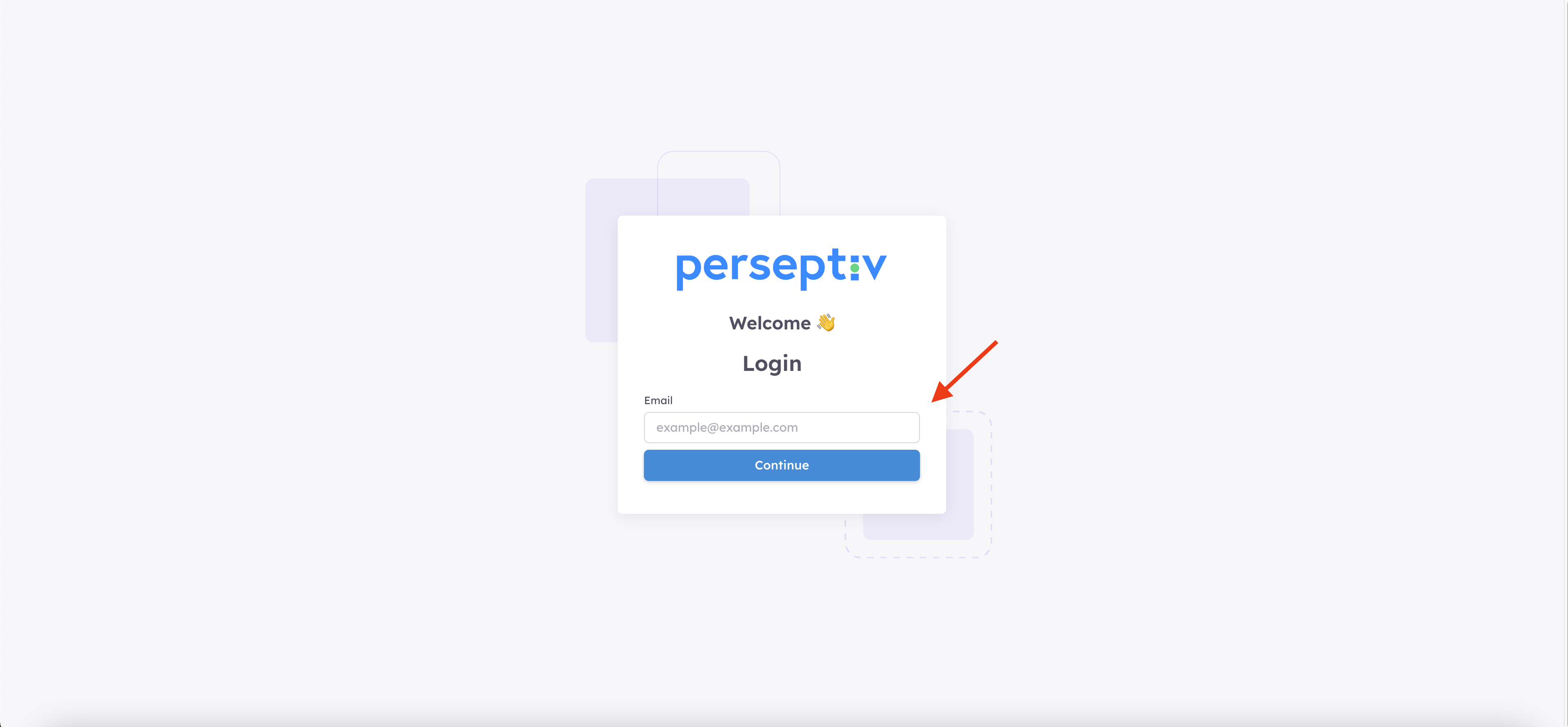
Step 1: Go to the Login Page 0:00
-
Open your web browser.
-
Navigate to https://app.perseptiv.io/login.
-
Click on the login button.
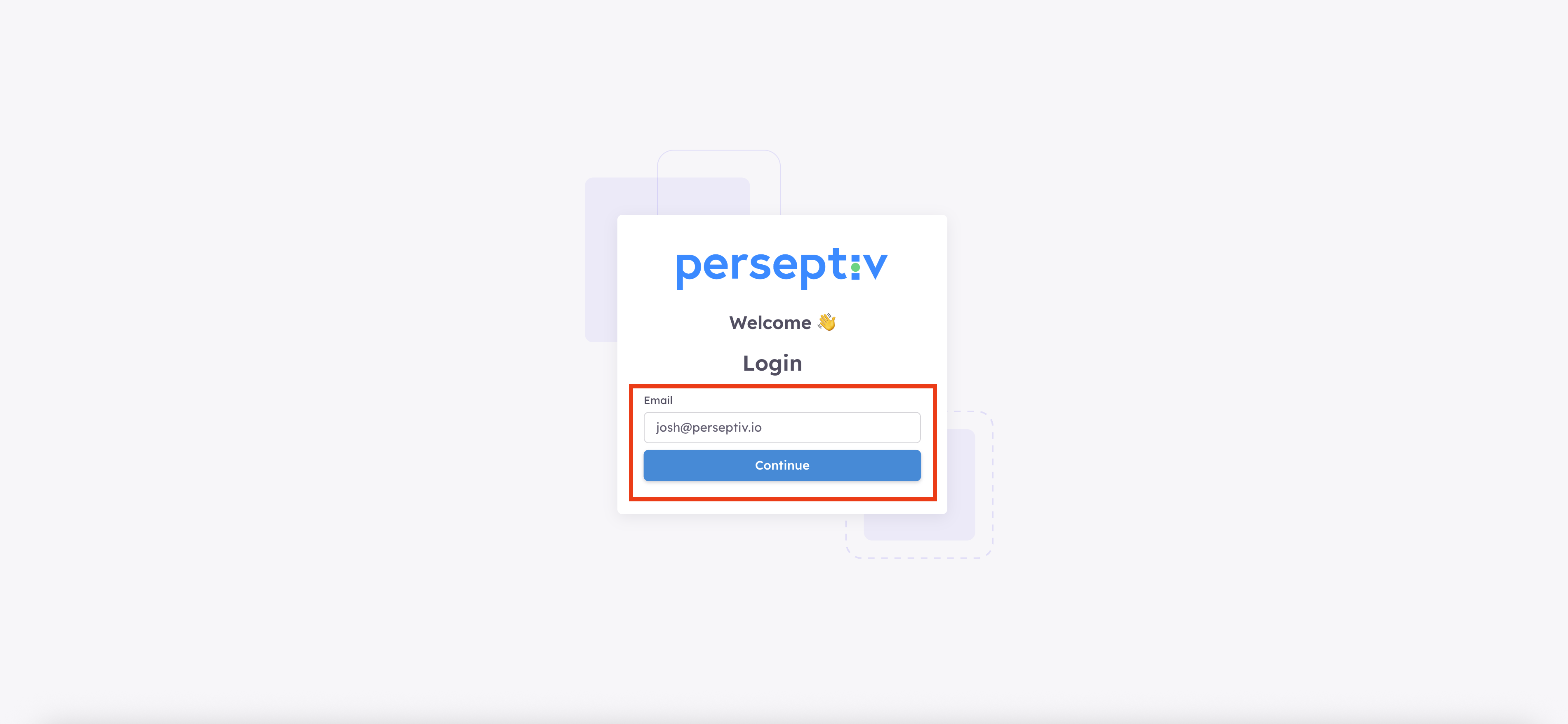
Step 2: Enter Your Credentials 0:12
-
Input your email.
-
Click on the 'Continue' button.
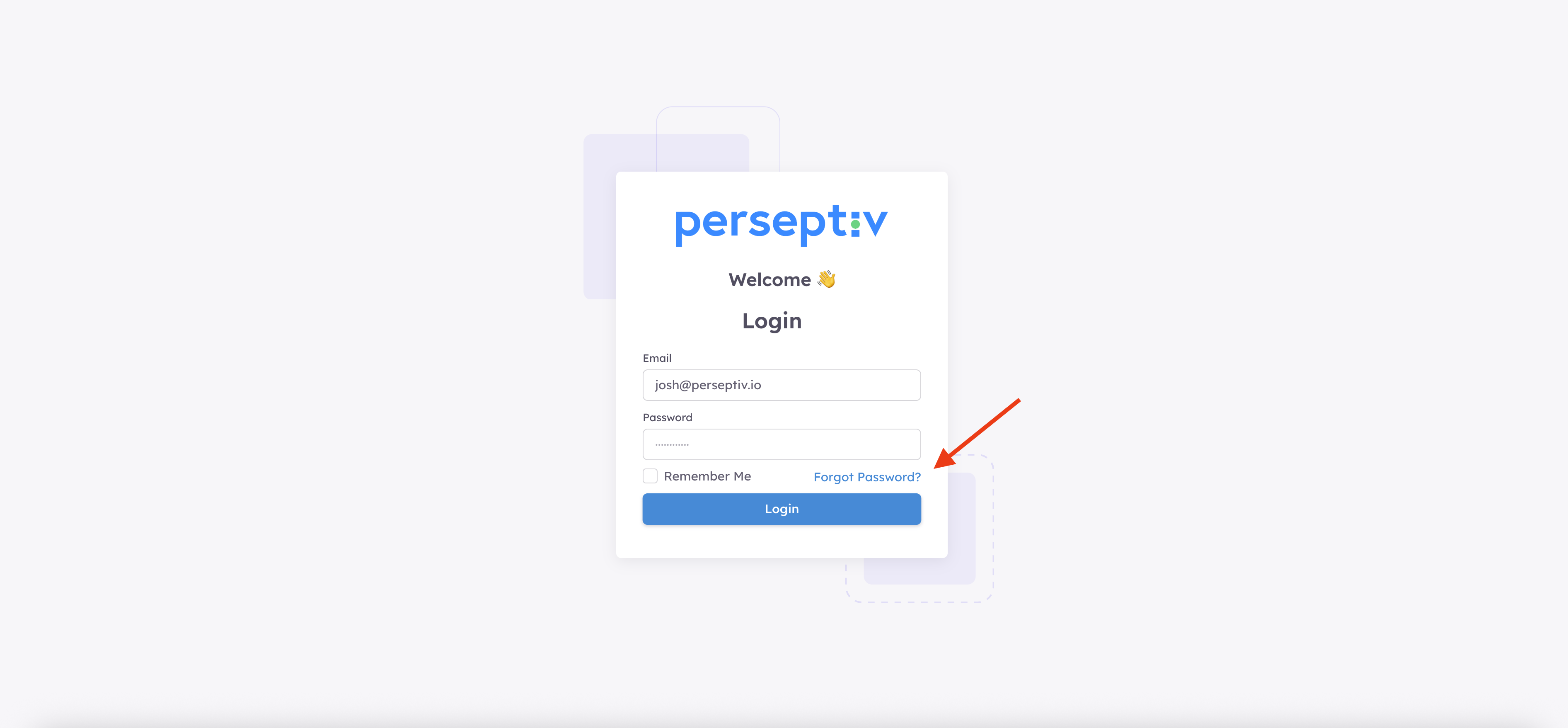
Step 3: Initiate Password Reset 0:12
-
Click on the 'Forgot Password' link.
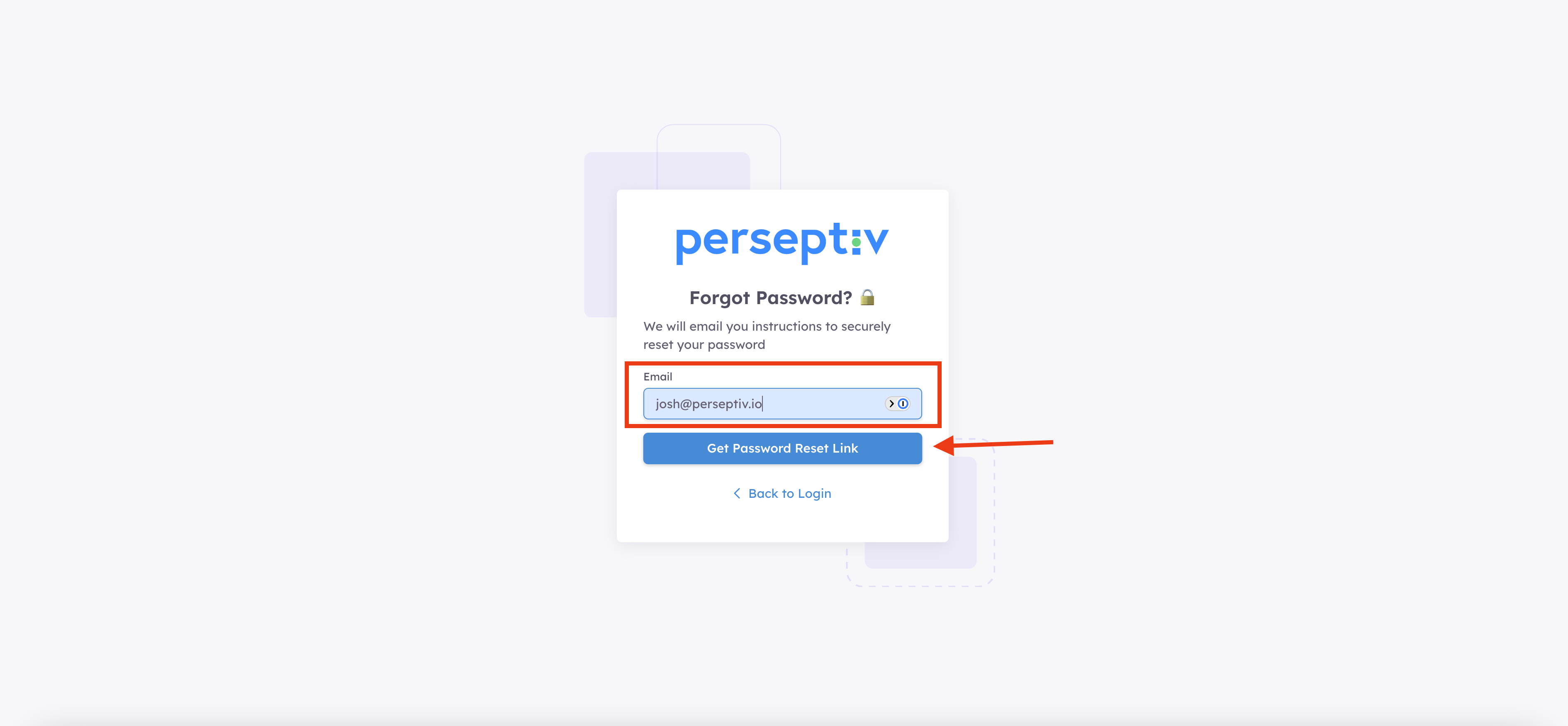
Step 4: Enter Your Email 0:12
-
You will be prompted to enter your email address again.
-
Type in your email and click on the 'Get Password Reset Link' button.
Step 5: Check Your Email 0:12
-
Go to your email inbox.
-
Look for the password reset email sent from Perseptiv.
- Follow the instructions in the email to reset your password.